Open Dental IT Support · Buffalo & Rochester
For practices in Buffalo and Rochester that run Open Dental on their own server. Because the MySQL or MariaDB database lives in your office, someone has to size it, back it up, update it, and keep it secure. That's the job we take on, alongside Open Dental's own support team.
Security
An Open Dental server holds every patient's record, and because it's self-hosted, protecting it is the practice's responsibility under HIPAA. When we take over an Open Dental office, we work through a standard checklist.
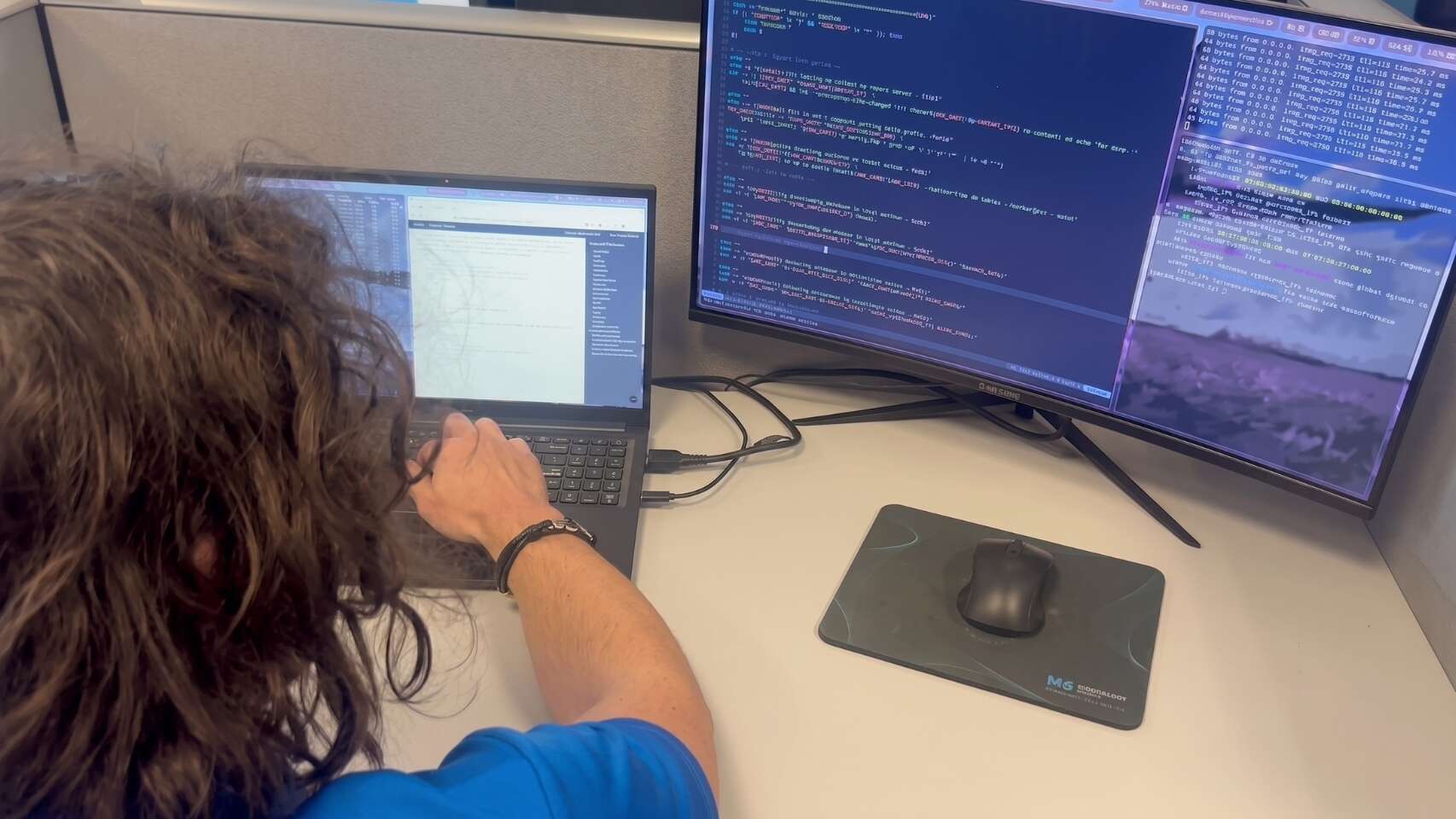
Strong, unique passwords for the database's admin accounts, stored in a password vault rather than on a sticky note
Database reachable only from the workstations and servers that need it, never from the internet or guest Wi-Fi
Remote access through a secure, logged tool with multi-factor authentication
Windows and database engine patches applied on a schedule
Also on the checklist
Managed endpoint protection with the exclusions Open Dental recommends, so security software doesn't slow the database
Encrypted backups, plus drive encryption on any laptop that can open Open Dental
None of this changes how staff use Open Dental day to day. It just closes the doors attackers look for first. Our dental cybersecurity page covers the wider approach.
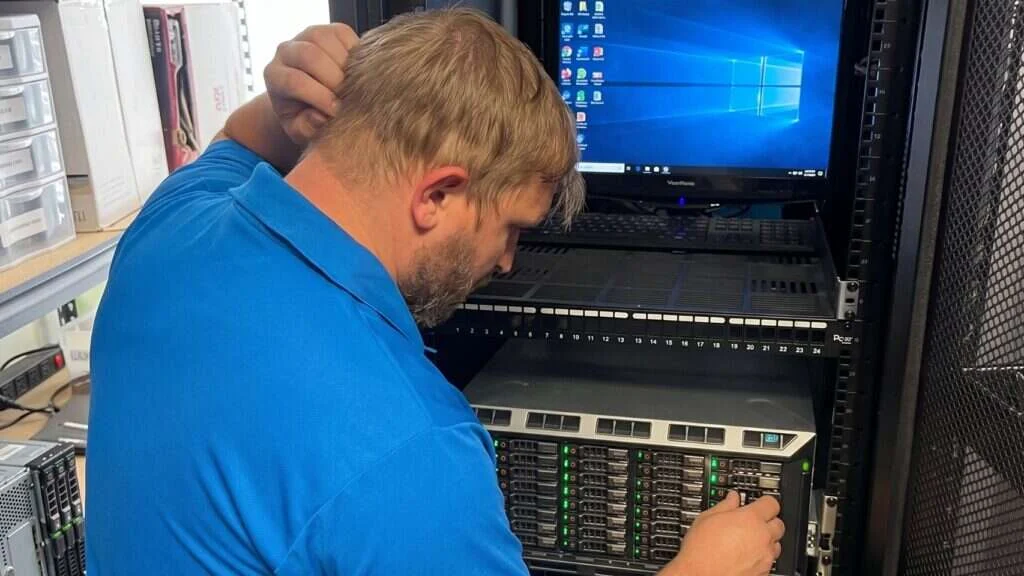
Open Dental is popular partly because it gives the practice control: the database runs on a standard MySQL or MariaDB server in your office, and nothing is locked away. The trade-off is that the practice is responsible for that server. Open Dental’s support team will help with the software, but the hardware, the operating system, the database engine, the backups and the security are up to you.
That is where most Open Dental offices need outside IT help. We look after the parts Open Dental leaves to the practice, and we call Open Dental support when a question is about the program itself.
Server hardware, Windows, the MySQL or MariaDB service, backups, replication, network, workstations, printers, imaging drivers and security.
Program errors, setup questions, feature training and data questions inside the software.
Open Dental is one part of our wider dental IT support, alongside practices running Dentrix and Eaglesoft.
Server Sizing
A database server feels fast when it can keep the busy parts of the database in memory and read the rest from fast storage.
We also look at what's around the server
Moving to new hardware? Our dental server migration process covers the move step by step.
Enough RAM for all three. MySQL and MariaDB use a set amount of memory, and the defaults are often too small for a busy office.
So a single drive failure doesn't stop the practice.
X-rays, scanned documents, and photos usually take far more space than the database itself, and they grow every day.
Checked against Open Dental's current requirements for your version, never assumed.
Backups & Replication
Copying the files of a running MySQL or MariaDB server can produce a backup that won't open. An Open Dental backup has to come from a method that creates a consistent copy:
Backup
Daily copies mean you can go back to the last good one when something goes wrong.
Replication
Replication keeps a second server in sync, which is useful for multi-location groups or a standby server. But it copies mistakes and corruption as faithfully as good data, and a badly set up replica can cause more trouble than it solves.
Our approach: we set it up only when it fits, monitor it, and keep normal backups running alongside it.
Every Open Dental office we support gets
A daily consistent backup of the database, plus the images folder
An onsite copy for quick restores, plus an encrypted offsite copy
Alerts when a backup fails
Scheduled test restores, opened in Open Dental to prove they work
Our healthcare data backups page explains the wider approach.
An Open Dental update converts the database to the new version, and every workstation then has to run the matching version. That means updates need everyone out of the program, a backup taken first, and someone available to fix the workstation that does not update cleanly.
We also keep the database engine and Windows patched on a schedule, separately from Open Dental updates, so security fixes are not held back by a busy update calendar.
Check the release notes and confirm your server and database version are supported.
Take a consistent database backup and confirm it finished.
Close Open Dental on every computer and run the update after hours.
Launch Open Dental on each workstation, let it update, and check scheduling, charting, imaging and printing.
Workstations & Printers
Day to day, most Open Dental tickets are about one workstation or one printer. These are the ones we see most.
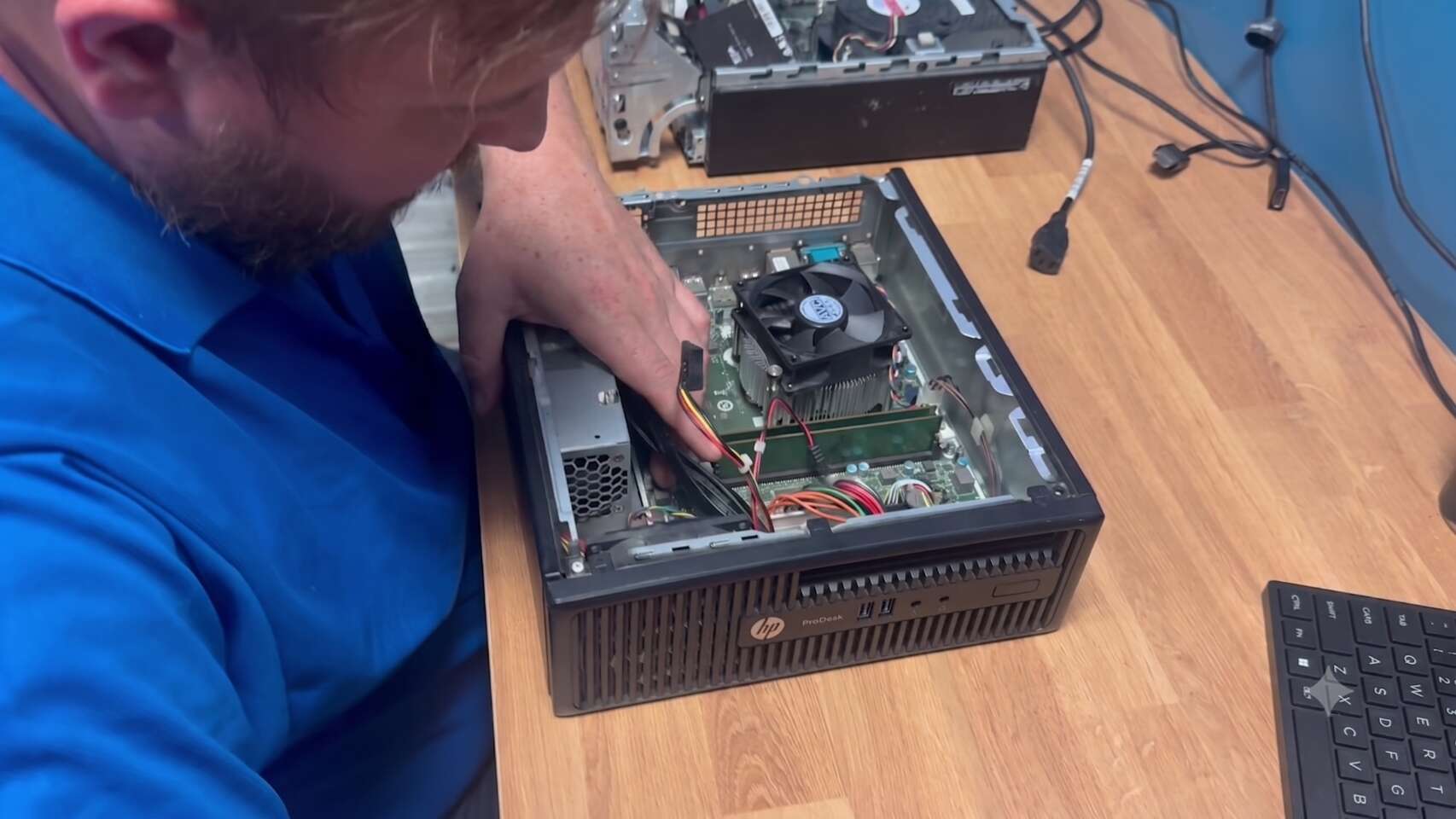
Our dental imaging IT support page covers these in detail.
We write down what we changed, so the same problem is quicker to fix next time.
Common Questions
Quick answers to what Open Dental offices ask us most about backups, replication, servers, and printers.
Workstation can't connect?
Call us first. We'll fix the server or network side, and loop in Open Dental support if it's the program.
(716) 463-5111No. Open Dental support remains your contact for the program. We handle the server, database engine, backups, network, workstations, and printers that Open Dental leaves to the practice.
Not while the database is running. Copying live MySQL or MariaDB files can produce a backup that won't restore. Use Open Dental's backup tool, a database dump, or MySQL-aware backup software, and include the images folder.
Most single-location offices don't. Replication is useful for multi-site groups or a standby server, but it copies mistakes as well as good data, so it never replaces regular backups.
It depends on the size of your database, the number of workstations, and your Open Dental version. We size against Open Dental's current requirements, then configure the database engine to use the memory properly.
Yes. Claims, statements, labels, and prescriptions often need specific printers and settings. We install the right drivers and set them up on each workstation.
Schedule a free remote or on-site IT consult. Tell us about your business and the services you need – response times are typically under three hours.