Dental Server Migration · Buffalo & Rochester
Moving Dentrix, Eaglesoft, or Open Dental to a new server is one of the riskiest jobs in a dental office. We plan it, build the new server ahead of time, move the data after hours with your software vendor, and keep the old server ready as a rollback. Practices in Buffalo and Rochester open Monday on new hardware without losing a day.
How We Do It
Every move follows the same careful approach, so your practice keeps seeing patients and nothing gets left behind on the old server.
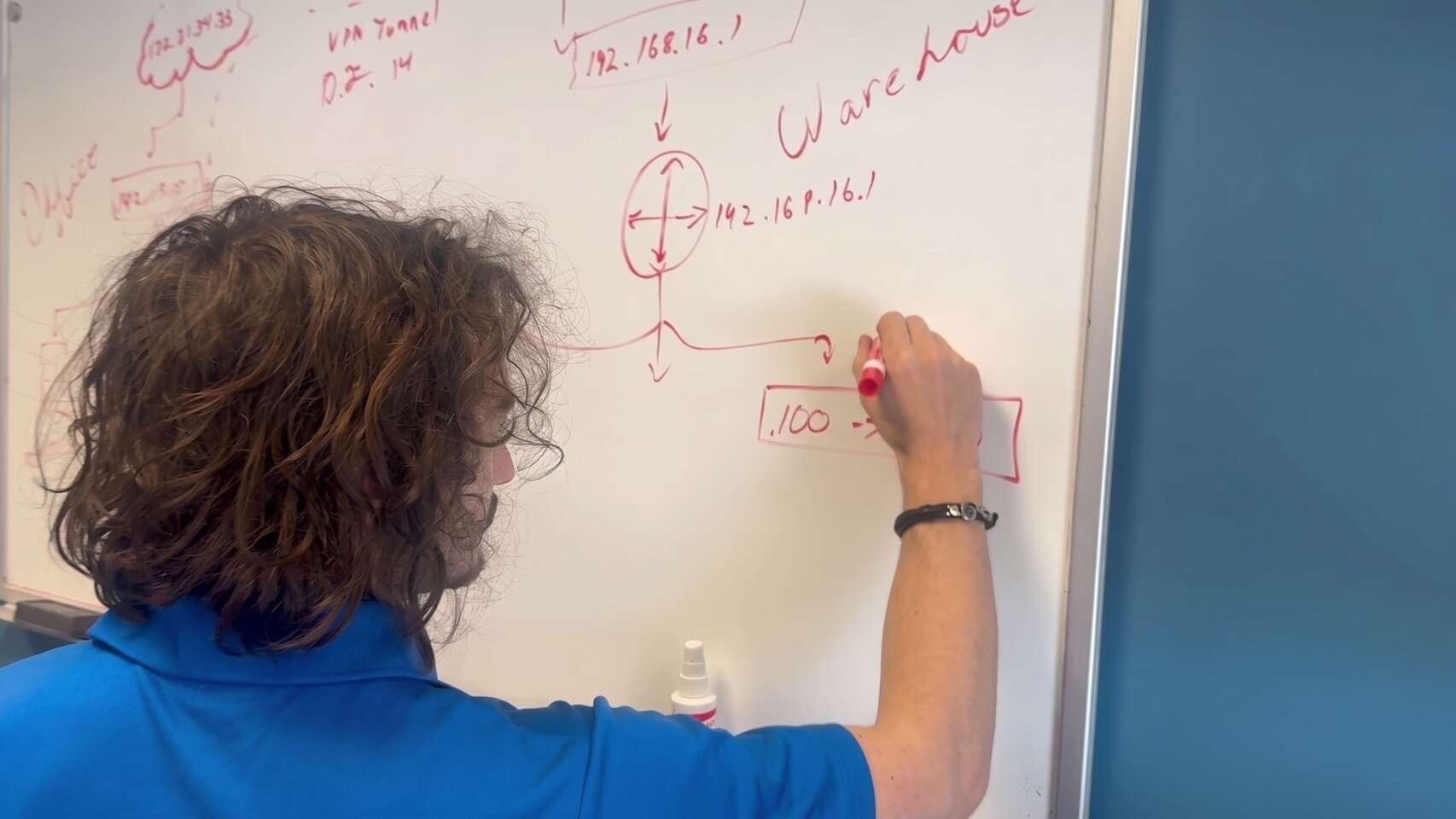
We document what the old server actually does.
No downtime during the schedule.
The old server stays ready until the new one proves itself.
When to Migrate
The best time to replace a server is before it fails, when you can pick the date. Tick the signs that apply to yours.
Tick any that apply to your server.
A migration done on your schedule costs far less, in money and stress, than an emergency rebuild after the server dies on a Monday morning.
Plan My Server MigrationThe practice software is rarely the only thing on a dental server. Over the years, it picks up more:
Miss one, and someone finds out on Monday morning.
And its exact version: Dentrix, Eaglesoft, Open Dental, or another.
Its database, and where images are stored.
Every one, and which workstations use them.
Printing, scanning, faxing, remote access, and backups.
How much data there is and how fast it's growing.
For the version you'll run after the move.
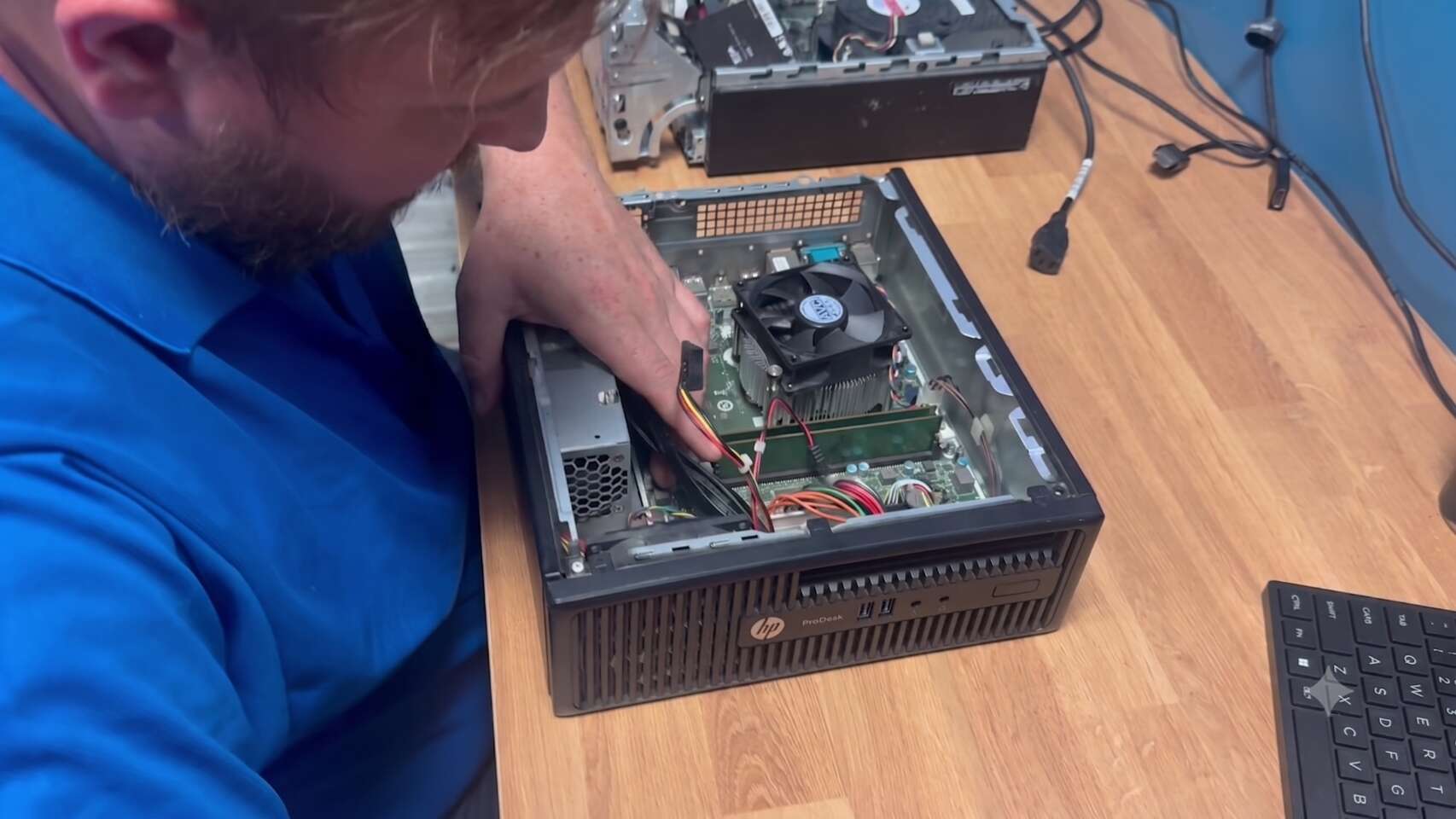
We specify the new server against the current requirements from Henry Schein One, Patterson, or Open Dental for the version you'll run, plus room for growth. Our hardware page has more on how we choose equipment.
The server is built and running for days before the move, not unboxed on the night. That gives drive or memory faults time to show up while the old server is still in charge.
Ready for cutover when it has

Moving a practice database isn't a file copy. Each vendor has its own process, and some prefer to do that step themselves or be on the call while it happens. We book that time with Henry Schein One, Patterson, or Open Dental well ahead.
Your vendor
Using their own process, or with us on the call.
We handle everything around it
We restore a copy of the data onto the new server, connect one test workstation, and check it the way staff would use it. That catches permission problems, missing folders, and imaging paths before the real night.
Open the practice software and pull up a recent patient
Check the schedule, chart, ledger, and a printed document
Click through to imaging and confirm existing X-rays open
Take a test capture where there's a sensor
Scan a document and print a claim or statement
The real move happens when the office is closed, usually starting on a Friday evening or Saturday. The order matters:
Everyone logs out. We confirm nobody is connected to the old server.
We take a final full backup of the old server and confirm it completed.
The database is moved to the new server using the vendor’s process, followed by images, documents and shared folders.
Every workstation is pointed at the new server: software settings, mapped drives, imaging paths, scanners and printers.
We run the test plan on every workstation, not a sample.
The old server is shut down but left untouched.
On the first morning, we check in with the front desk early, either onsite or remotely, so any small issue is fixed before the first patient sits down.
Every migration we run has a written rollback plan, so the practice opens on time either way.
Passes testing
Monday runs on the new hardware.
Fails, can't fix that night
It hasn't been changed, so the practice opens as normal. We fix the problem and reschedule.
What happens to the old server
With its data intact, for an agreed period after the move.
It runs cleanly, backups complete, and a test restore works.
And disposed of, with a record you can keep for HIPAA purposes.
Common Questions
Quick answers to what practices ask us most before moving to a new server.
Server near the end of its life?
Plan the move on your schedule, before it fails on a Monday morning.
(716) 463-5111The cutover happens after hours, usually over a weekend, so the practice shouldn't lose scheduled time. The first morning, we check in early to fix anything small before patients arrive.
Usually, yes. Each vendor has its own process for moving the database, and some handle that step themselves. We book their time in advance and handle everything else around it.
It depends on hardware lead times and vendor scheduling. We start with an assessment of your current server, then agree on a date once the new hardware is built and tested.
We follow the written rollback plan: workstations are pointed back at the old server, which hasn't been changed, and the practice opens as normal while we fix the problem.
It stays powered off with its data intact until the new server has proven itself. After that, the drives are securely wiped or destroyed, and documented.
Schedule a free remote or on-site IT consult. Tell us about your business and the services you need – response times are typically under three hours.