
Co-Managed IT · Buffalo & Rochester

Co-managed IT for teams that are good, just stretched.

For businesses in Buffalo and Rochester that already have an IT person or team. You keep the work your people do best, and we take the work that stretches them thin: monitoring, after-hours coverage, security, escalations, and projects. One shared set of tools and documentation, with a clear line on who owns what.

  • Your team stays in charge
  • After-hours & vacation coverage
  • No long-term contracts

How It Works

Your team in charge, our team behind them.

A clear split, shared tools, and coverage when your people are off, so nothing falls through the gaps and nobody burns out.

01

A Written Responsibility Split

No gaps, and no stepping on each other.

02

Shared Tools and Documentation

Monitoring, ticketing, and docs everyone can see.

03

After-Hours and Vacation Coverage

Your team gets to switch off.

04

Escalation and Project Help

Extra hands and specialist depth when you need it.

Is It a Fit?

Signs co-managed IT would help your team.

Co-managed IT isn't for every company with an IT department. Tick the ones that sound familiar.

0of 7 sound familiar

Tick any that apply to see where you stand.

A short conversation is usually enough to tell whether it makes sense, and what the split might look like. We'll tell you honestly if it doesn't.

(716) 463-5111
What It Is

Not a replacement for your IT team. Backup for them.

Most internal IT people are doing three jobs at once: answering the help desk, keeping servers and the network running, and trying to find time for the projects leadership keeps asking about. Security reviews, patching and documentation slip because something is always on fire. And when that person is on vacation or out sick, nobody covers.

Co-managed IT keeps your internal staff in charge and adds a team behind them. They keep the relationships, the knowledge of your business and the work they are best at. We pick up the work that is better done at scale or around the clock. We already work this way with in-house teams, including as a dedicated escalation partner and in sitting CISO roles.

It is also a fit for growing companies that have one IT person and are not ready to hire a second, and for groups where head office has IT staff but branch offices do not.

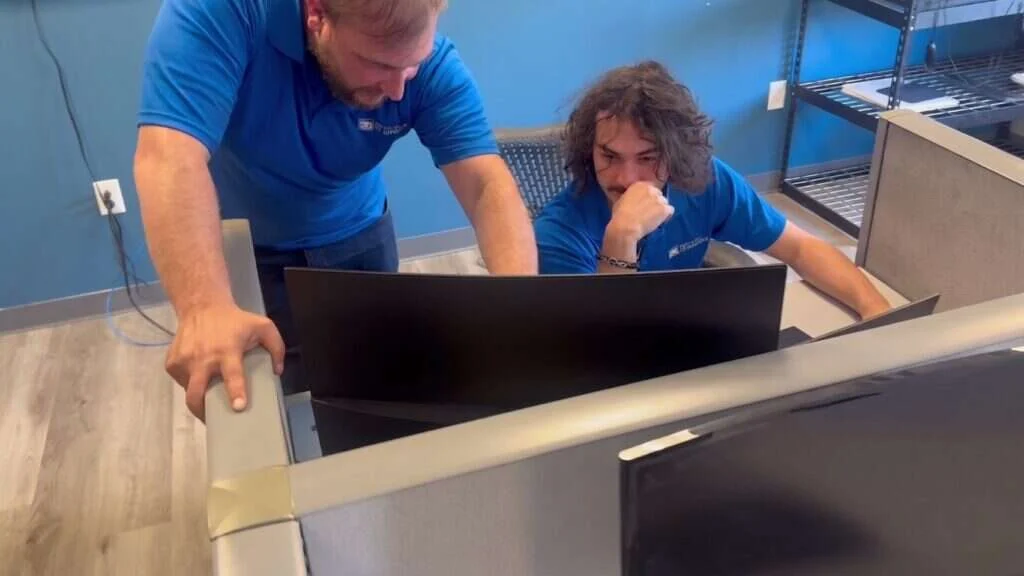
A senior Buffalo IT Services technician reviewing a client system with a team member

Who Owns What

What your team keeps, and what we take.

Every co-managed arrangement starts with a written split of responsibilities. It's different for every company, but a common starting point looks like this.

Your team

Usually keeps

  • Day-to-day user support and onboarding
  • Business applications and vendor relationships
  • IT strategy and budget
  • Anything that depends on knowing people and processes inside the business

Both teams

We share

  • Projects
  • Major incidents
  • Planning for hardware and security

Buffalo IT Services

We usually take

  • 24/7 monitoring of servers, network, and backups
  • Patching
  • Endpoint protection and security alerts
  • After-hours and weekend support
  • Overflow help desk when tickets pile up
  • Documentation upkeep

Why we write it down: to avoid two failure modes

Work nobody does

Because each side thinks the other has it.

Work done twice

Because nobody checked.

Reviewed as you change

We revisit the split as your needs change.

Shared Tools

One set of tools, visible to both teams.

Co-managed IT only works if both teams see the same picture. We agree on the tools up front.

We work inside your tools first

If your team already has tools it likes, we start there. Where there are gaps, we fill them.

Every change traceable

Access uses separate named accounts and multi-factor authentication, so every change ties back to a person.

Shared console Your team Our team

Remote monitoring & management

One agent, one console

One agent on each computer and server, reporting health, patch status, and alerts to a console both teams can use.

HealthPatch statusAlerts

Ticketing (PSA)

One place for every request

Requests and incidents are logged, assigned, and tracked in one place, so nothing is lost between an email to your IT person and a call to us.

LoggedAssignedTracked

Documentation

Kept current as part of the job

Network diagrams, passwords in a secure vault, configurations, and procedures in one shared system, updated as we go, not as an afterthought.

Network diagramsPassword vaultProcedures

Security tools

Alerts routed to the right person

Endpoint protection, email filtering, and backup consoles, with alert routing agreed so the right person gets woken up at 2 a.m.

Endpoint protectionEmail filteringBackups
Buffalo IT Services engineer monitoring client systems across dual displays and a laptop
Escalation & Coverage

Escalation, after-hours coverage and time off.

We agree escalation paths both ways. Your team can escalate to ours when a problem needs a second pair of eyes, a specialist skill or more hands, and we escalate to yours when something needs a business decision or inside knowledge.

Outside business hours, our help desk and monitoring cover your environment, so an alert on a Saturday is handled without calling your IT person at a family event. When your staff take vacation, we cover their queue using the same documentation and tools.

After each significant incident, both teams review what happened and update the documentation, so the next one goes faster.

Projects & Security

Project help and security without hiring.

Projects and security are the two places internal teams most often fall behind. Most know what they should be doing but can't find the hours. That's where we come in.
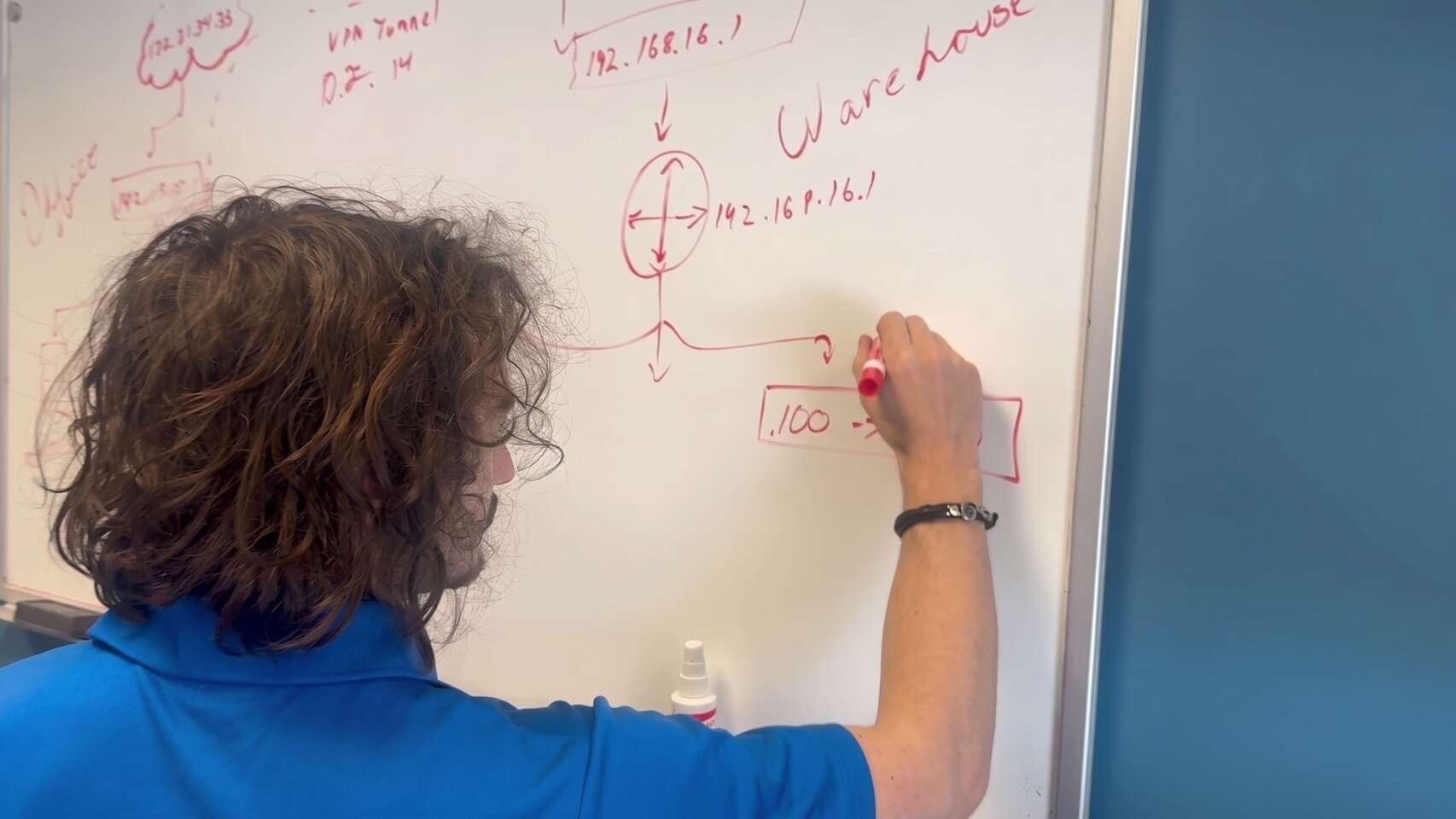
Buffalo IT Services engineer mapping a multi-site network and VPN tunnel on a whiteboard

Projects

Where teams fall behind

Server replacement Move to Microsoft 365 A new office Firewall upgrade Windows rollout
Take the whole projectWe plan and run it end to end.
Or supply the handsAfter-hours cutovers, onsite installs, and cabling.

See our network management and structured cabling pages for examples.

Security

The other common gap

We can run the security work your team doesn't have hours for:

  • Patching
  • Endpoint protection
  • Email security
  • Backup monitoring
  • Compliance work for HIPAA and PCI

Our cybersecurity page covers the layers we put in place.

Rather hand over everything? Co-managed IT is one way to use our managed IT services. We can take it all on too. Managed IT services

Common Questions

Co-managed IT FAQ.

Quick answers to what internal IT teams and their managers ask us most before getting started.

Not sure if it's a fit?

A short conversation is usually enough to tell. We'll be honest if it isn't.

(716) 463-5111

No. The point is to make your internal team more effective, not to replace them. They stay in charge of IT for the business, and we support them.

Whatever you decide. Some companies keep their internal IT person as the first contact and send overflow to us. Others route all requests through one ticketing system and assign them from there.

Not necessarily. We look at working with the tools your team already uses first, and fill any gaps in monitoring, ticketing, documentation, or security.

Yes. That's one of the most common reasons companies choose co-managed IT. We use the shared documentation and tools to pick up their queue.

No. We don't lock clients into long-term contracts.

Ready to see what we can do for your business?

Schedule a free remote or on-site IT consult. Tell us about your business and the services you need – response times are typically under three hours.