
Dentrix IT Support · Buffalo & Rochester
Dentrix IT support for dental practices in Buffalo and Rochester running Dentrix G-series or Dentrix Ascend. We look after the server, workstations, network, imaging, and backups that Dentrix depends on, and we work alongside Henry Schein One support, not instead of it.
What We Look After
We handle the server, updates, imaging, and backups behind Dentrix, so your team can focus on patients instead of error messages.
Sized against the current Henry Schein One specs for your version.
Backup first, update second, every operatory checked before morning.
Click from the Dentrix toolbar and the right patient opens.
Onsite and encrypted offsite copies, with regular test restores.
Henry Schein One supports the Dentrix software itself: licensing, program errors, data questions and how a feature is meant to work. What sits underneath Dentrix is usually left to the practice. That means the server, the workstations, the network, the imaging hardware and the backups, and that is the part we take on.
Most “Dentrix problems” a front desk reports turn out to be one of those underlying pieces: a workstation that lost its connection to the server, a Windows update that changed a setting, a sensor driver that stopped loading, or a server that ran out of disk space. We fix those directly. When something really is a Dentrix program issue, we open the ticket with Henry Schein One, give them the details they ask for and stay on until it is resolved, so your staff are not stuck relaying instructions between two support lines.
Server and workstation hardware, Windows, network and Wi-Fi, firewall, printers, imaging drivers and bridges, backups and security.
Dentrix software errors, licensing and registration, data corrections and feature training.
Version upgrades, server moves and anything that needs both sides on the call.
Dentrix support is one part of our wider dental IT support. We also support practices running Eaglesoft and Open Dental.
Server
How well your setup is built decides how fast Dentrix feels in every operatory. What that looks like depends on which Dentrix you run.
The server holds the database and shared files, and every workstation connects to it over the office network.
Never sized from memory. We check Henry Schein One's current requirements for your version before every build, since they change with each release.
Beyond the published minimums, we look at:
Solid-state drives in a redundant array, with room for years of growth in the database, images, and documents.
A supported Windows Server edition, not a desktop PC pressed into service. Whether Windows 10 or 11 can work for a small office depends on your version and size, so we check the vendor's documentation each time.
A battery backup that can shut the server down cleanly, and a location that isn't a hot closet.
Secure access for us and for Henry Schein One, without leaving remote desktop open to the internet.
Dentrix Ascend runs in a web browser. There's no server to build, but the office still needs a solid foundation for it to run well.
We support all of it. Everything below is part of how we look after Ascend practices.
Ascend practices still need:
Since Dentrix lives in the browser, the connection is what keeps the schedule moving.
Protecting the office network that every workstation uses to reach Ascend.
Kept up to date on every workstation.
For sensors and other devices connected to each workstation.
Updates
Dentrix updates change the database, so they need care. A rushed update on a busy morning can leave half your operatories on the old version and half on the new one. We plan them so that never happens.
Before
On your server and workstation operating systems.
Before anything changes
Of the Dentrix database, confirmed complete.
After hours
The update runs on the server first, then on each workstation.
Before your team arrives
Anything odd is noted for the morning huddle.
Major version upgrades sometimes need new hardware or a newer version of Windows. We tell you early, so an upgrade doesn't turn into an emergency server purchase. If the server itself is due for replacement, see how we run a dental server migration from assessment to after-hours cutover.
Performance
Slowness is rarely Dentrix itself. Where it shows up tells us where to look.
Slow on one or two
When a couple of operatories lag and the rest are fine, we check the computer and its connection first:
Slow everywhere
When every workstation is affected, the cause is usually upstream:
Our network management service watches these continuously, so we can usually point to the cause instead of guessing.
Want a quick baseline? Our free speed test checks resources, disk space, and startup programs on the machines that feel slow.
Run the free speed testImaging
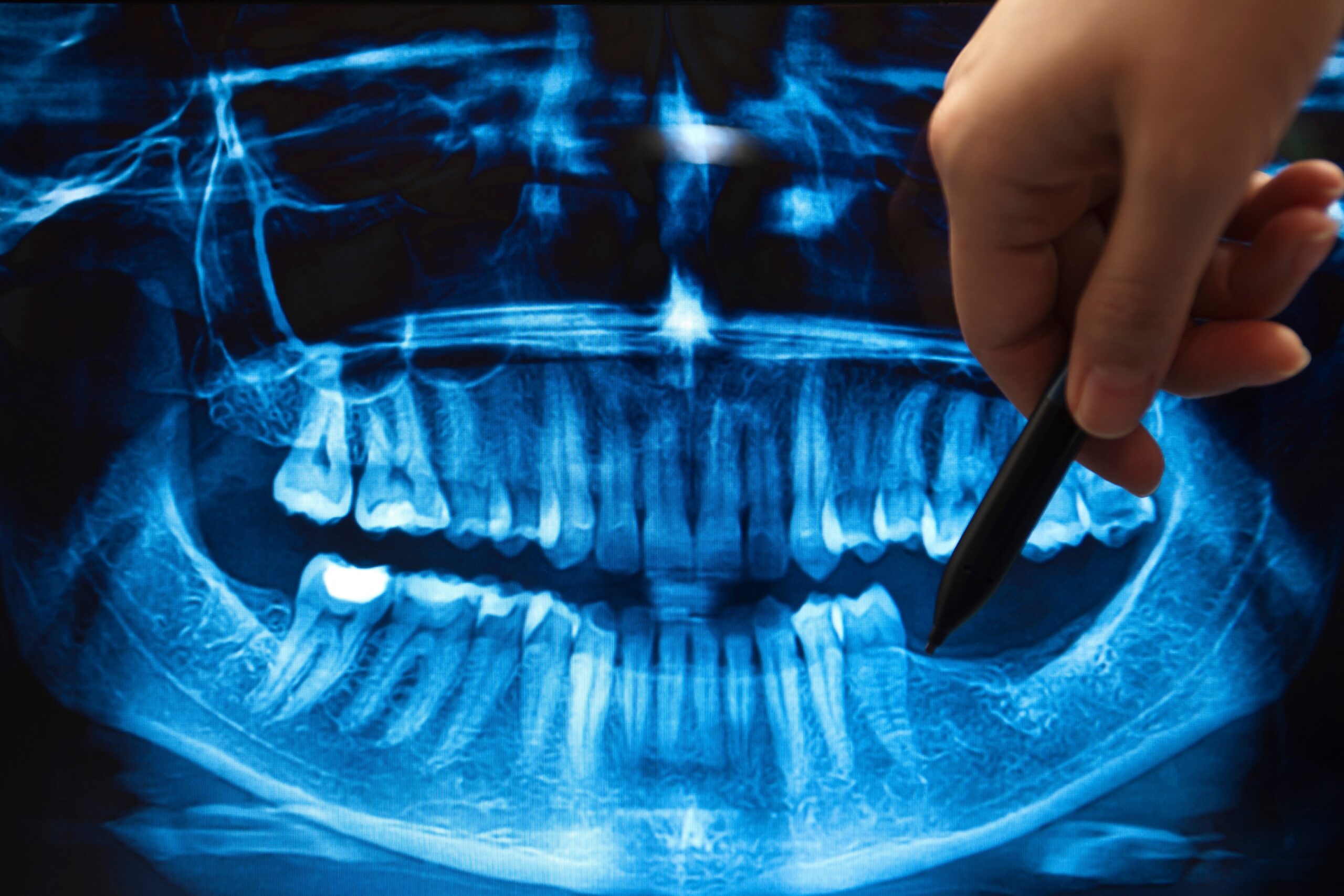
Dentrix connects to imaging software through bridges: a link that opens the right patient in the imaging program when you click from the Dentrix toolbar. Bridges break more often than people expect.
Bridges usually break after
What we do
Our dental imaging IT support page covers sensors, pano units, and 3D imaging in more detail.
Backups
A backup that has never been restored is a guess.
Copying the live database while Dentrix is using it.
A method that produces a consistent copy, including the images and documents stored alongside the database.
Our approach for Dentrix offices follows the same rules as our healthcare data backups service.
The backup routine
For fast restores after a hardware failure or a mistake.
In case the office itself is lost or hit by ransomware.
So a silent failure doesn't run for months.
So we know the data actually comes back.
Common Questions
Quick answers to what Dentrix offices ask us most about servers, updates, Ascend, and performance.
Dentrix acting up?
Call us first. We'll fix what's ours and handle Henry Schein One for you when it's theirs.
(716) 463-5111No. Henry Schein One remains your support for the Dentrix software. We take care of the hardware, network, Windows, imaging, and backups underneath it, and we coordinate with Henry Schein One when an issue needs both of us.
Yes. Ascend runs in a web browser, so there's no Dentrix server in your office, but you still need dependable internet, secure workstations, current browsers, and working drivers for sensors and other devices. We support all of those.
It depends on your Dentrix version and the size of your office. Henry Schein One publishes the supported server operating systems for each release, and we check that list before recommending anything. For most offices, we recommend a Windows Server build.
After hours, with a completed backup first. We update the server, then each workstation, and open Dentrix on every machine to check the main modules and imaging bridge before your team arrives.
Usually because of that computer or its connection: an old hard drive, low memory, a bad cable, Wi-Fi instead of a wired connection, or antivirus scanning the Dentrix data. We test each of those before blaming the server.
Schedule a free remote or on-site IT consult. Tell us about your business and the services you need – response times are typically under three hours.